










































































































In the news

















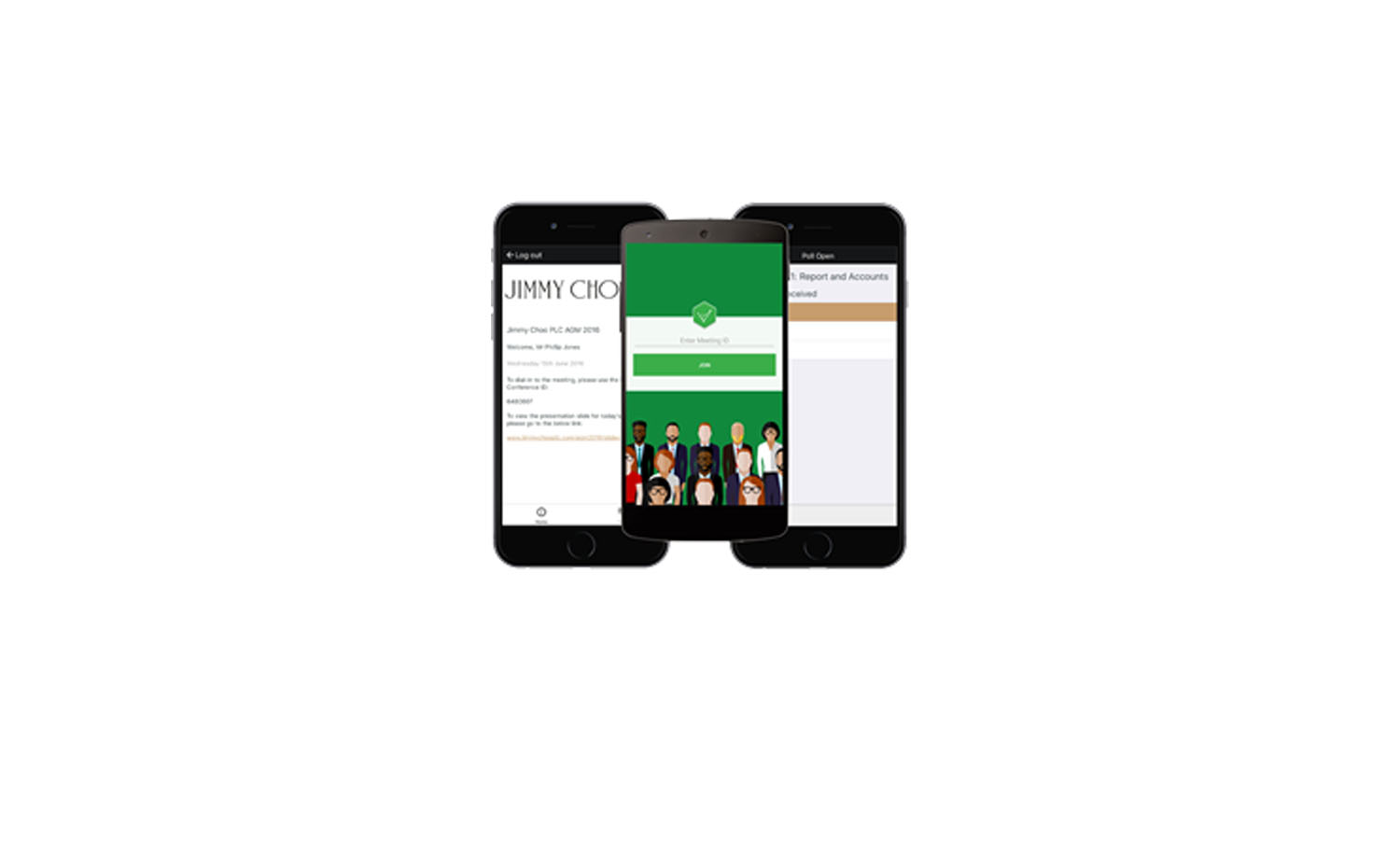
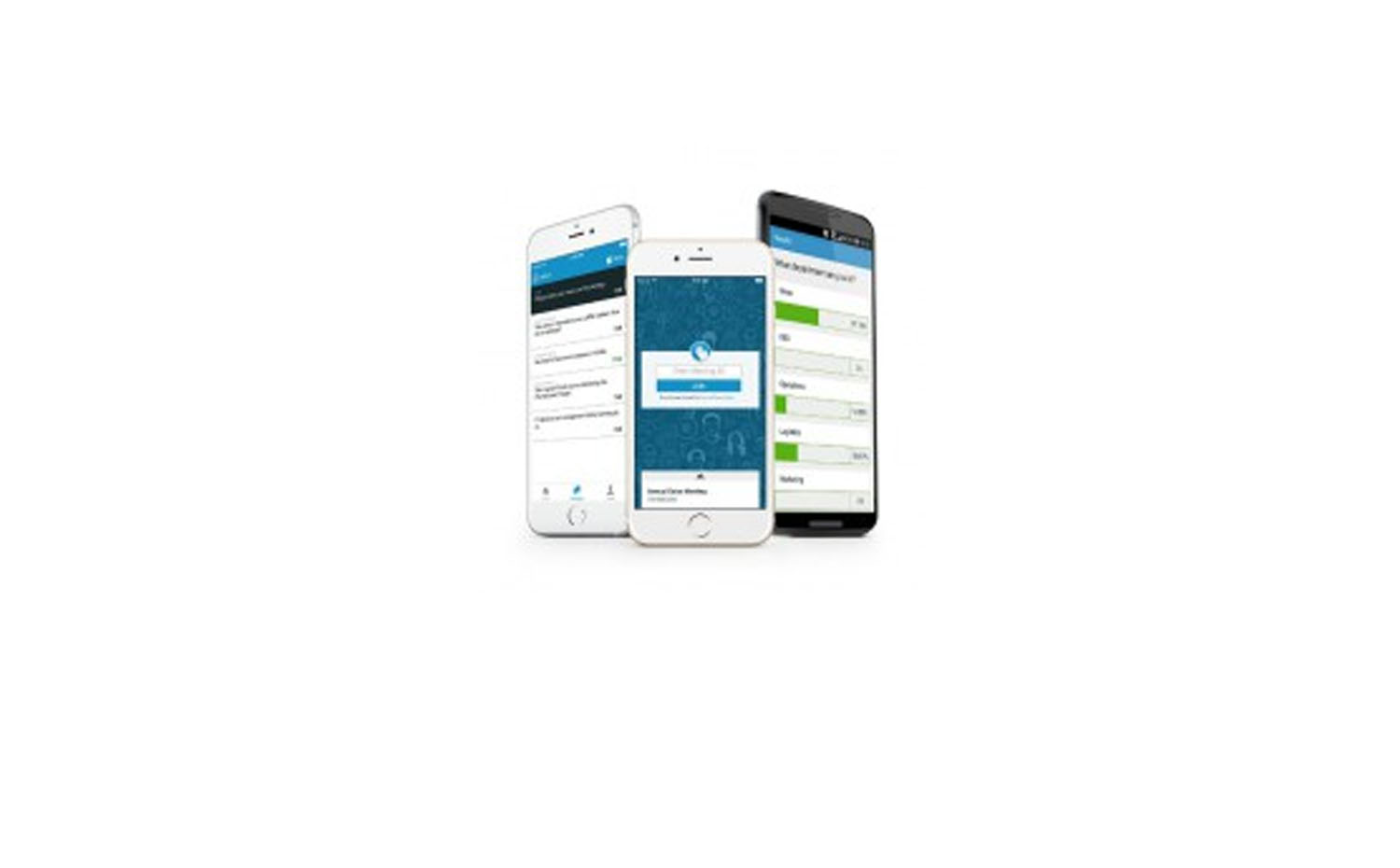



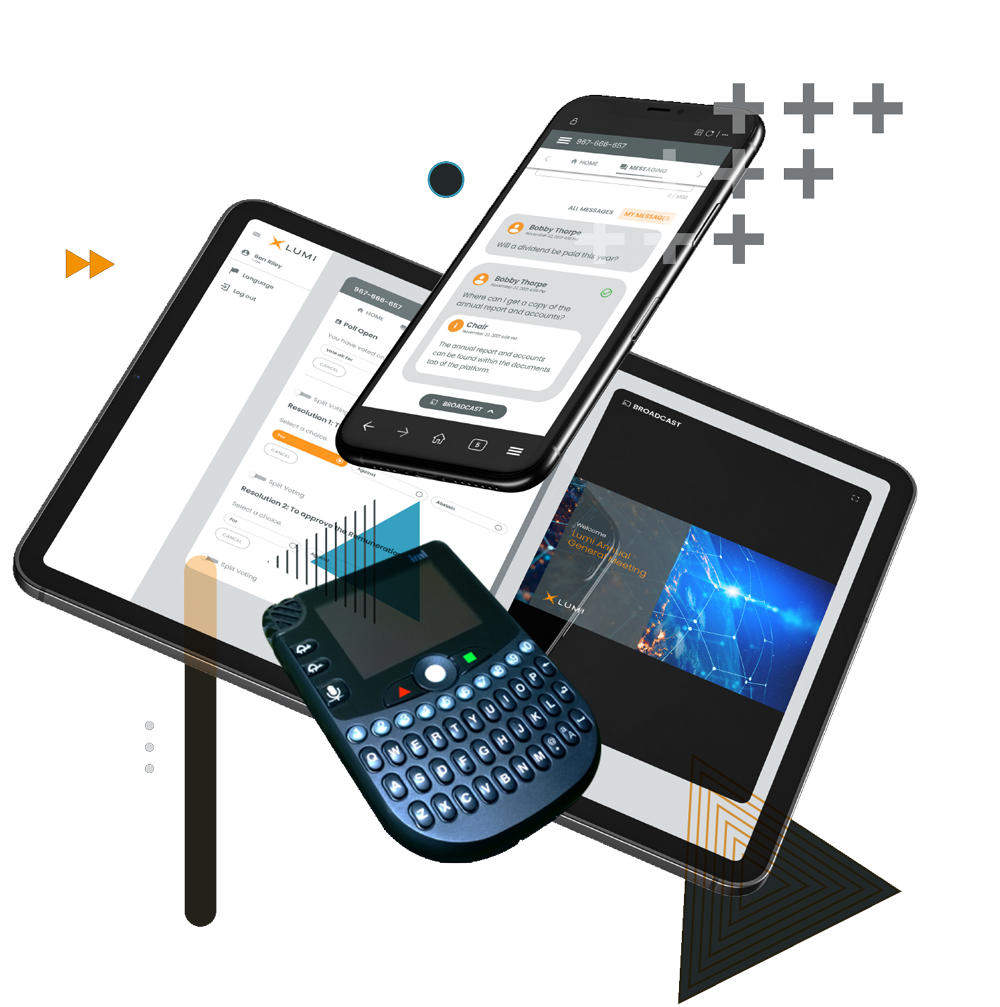
Lumi elevates stakeholder engagement and accessibility using online and in-room technology solutions that expertly tailor your meetings to your needs.
Learn how Lumi can improve your next meeting.

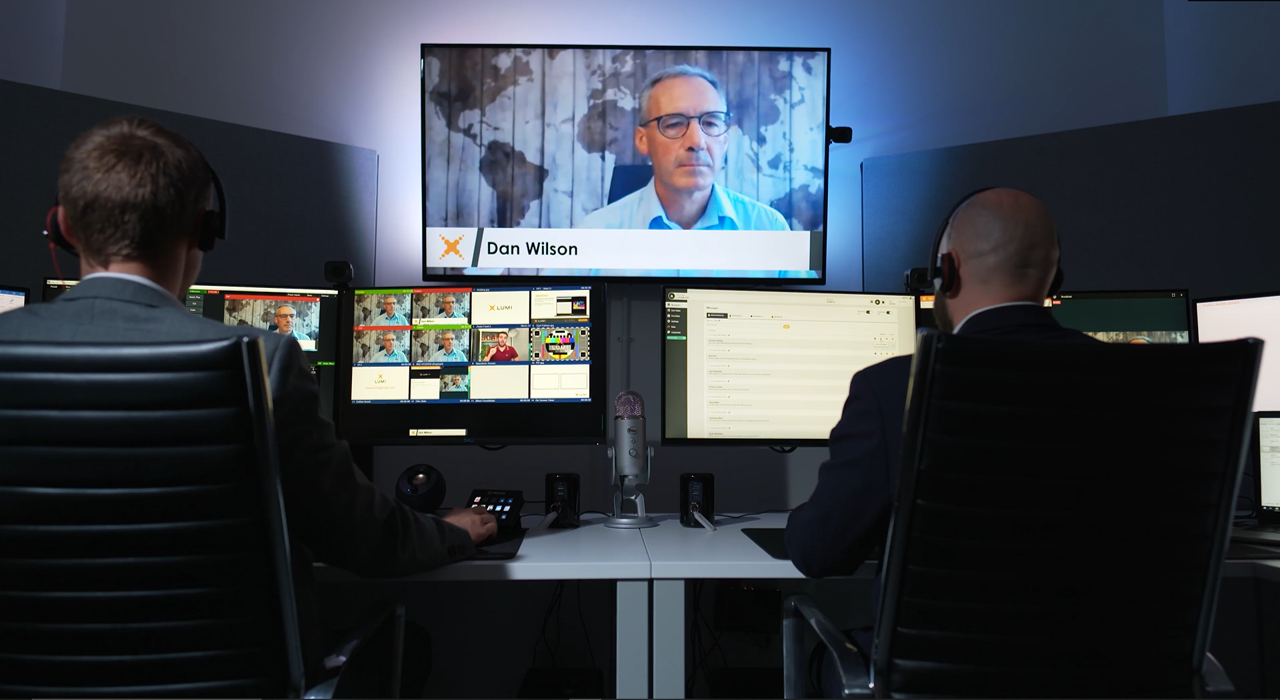
Lumi is the leading end-to-end platform globally, facilitating in-room, hybrid and virtual meetings for the world’s largest corporations, legislative bodies, and membership organizations.
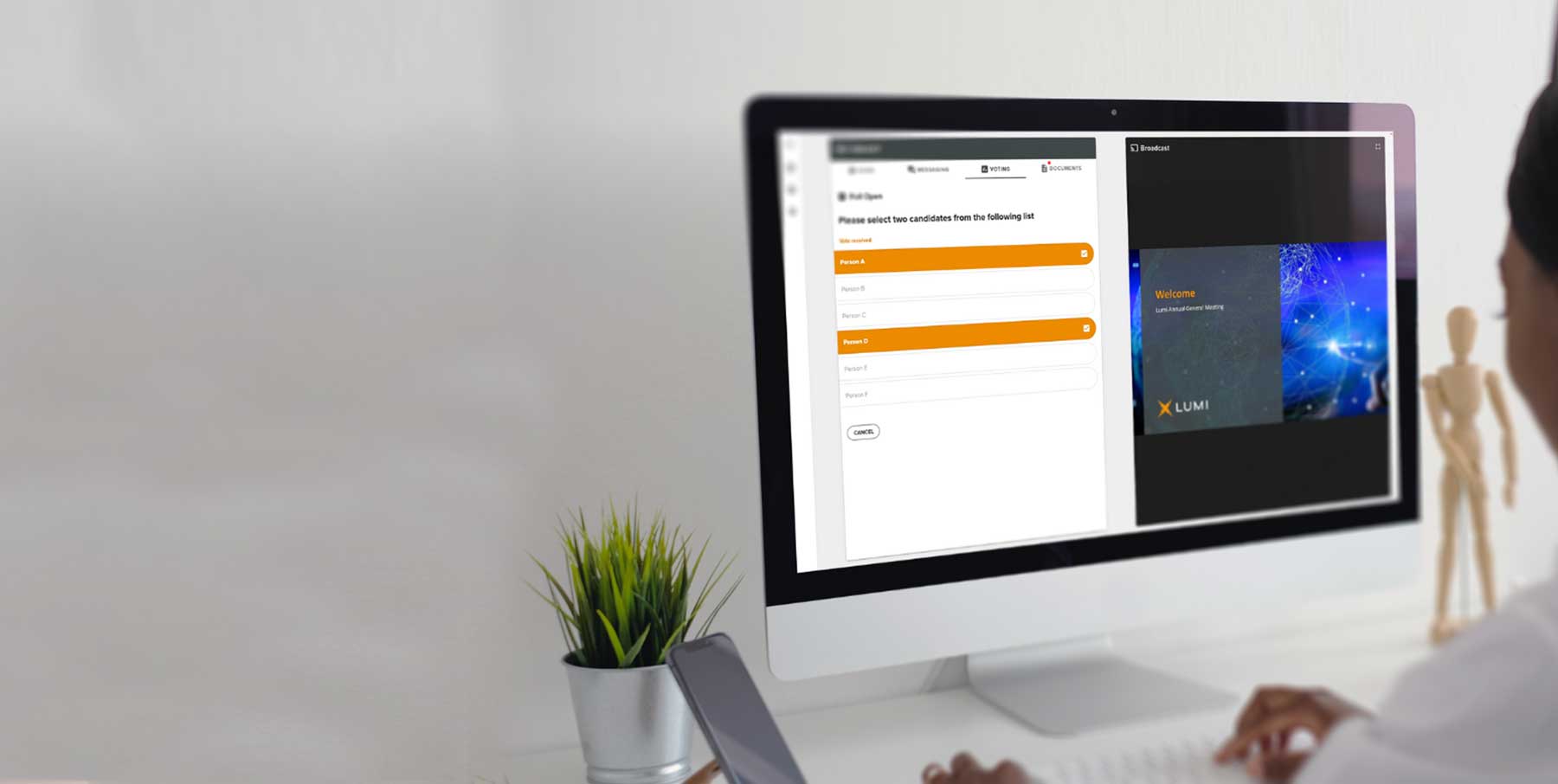
Based on proprietary, patented technology, Lumi provides software, hardware, and services that assist Issuers, Registrars, and event organizers to register delegates, provide live, secure polling, Q&A management services, and audited reporting through pioneering technology.










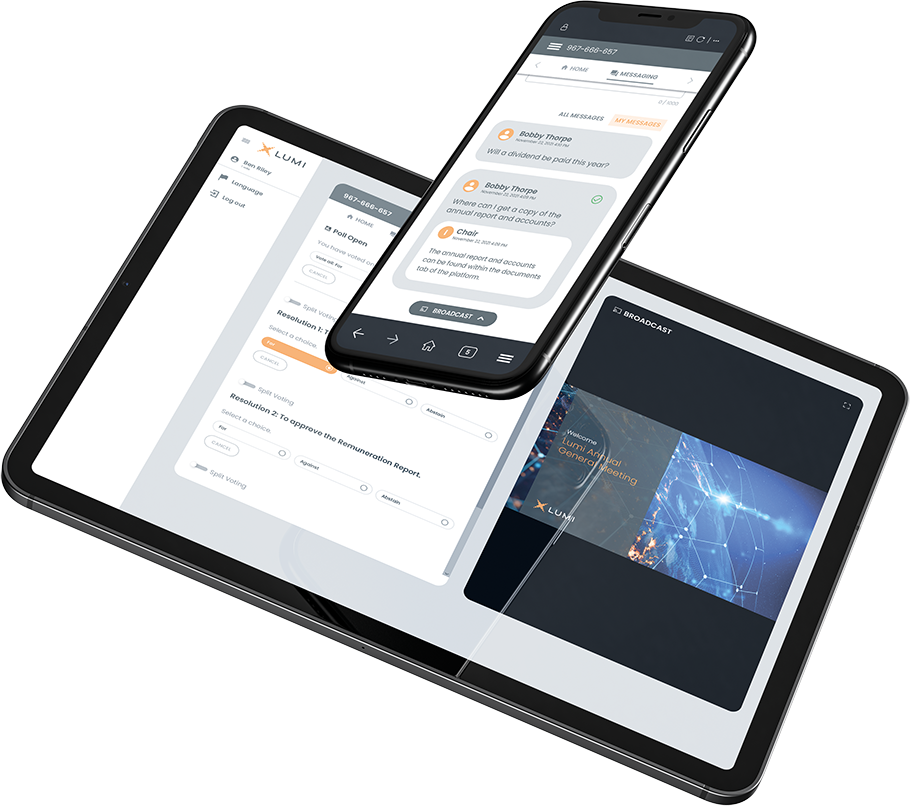
Our step-by-step demo will guide you through all the features and functionalities of our platform. See first hand how our interface allows for your users to easily navigate and engage with your next meeting.

If you have a question or are looking for more information, please fill out this short form. One of our expert team members will be in touch as soon as possible. We look forward to hearing from you.